
George’s Intro
I updated this post in 2026.
An online yoga class needs more than a meeting link.
Your students need to see you clearly, hear useful cues and understand what to do if the internet decides to practise non-attachment halfway through Downward Facing Dog.
I’m George, a BWY yoga teacher, creator of the Online Yoga Lesson Planner, yoga card deck maker and enthusiastic sticky-note doodler.
Jump to the Zoom Pre-Class Checklist ↓
What This Guide Covers
This guide focuses on live Zoom yoga classes. Zoom changes its menus and plans over time, so use its current help pages for button-by-button instructions. The teaching decisions remain more useful: shape the class, frame the room, test the sound, protect the meeting and give students clear joining information.
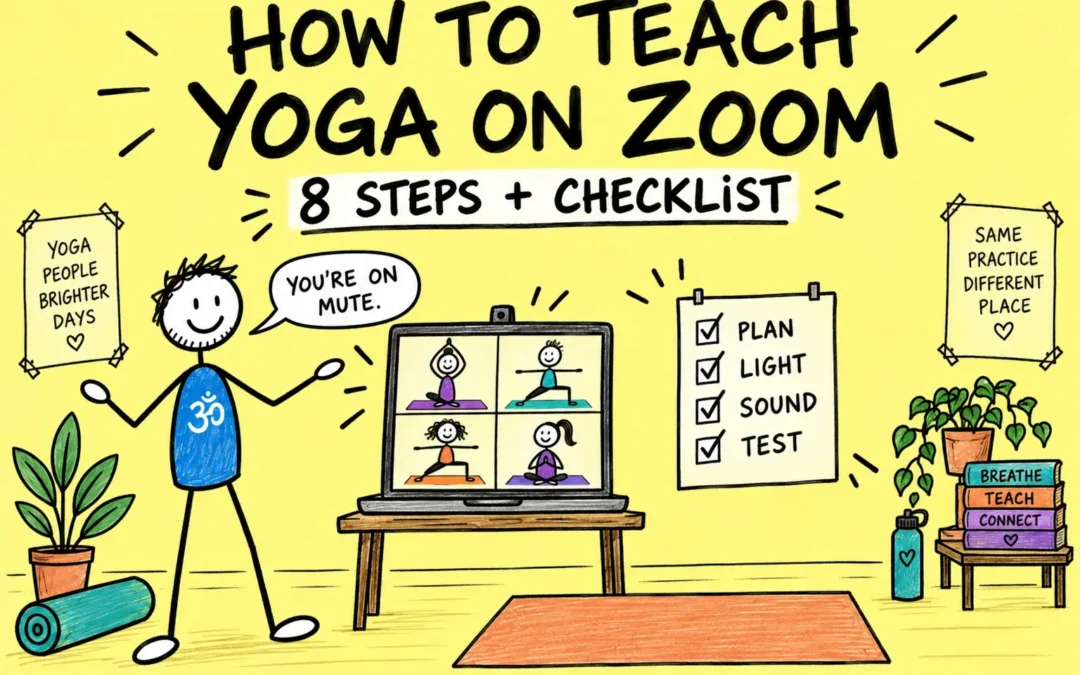
8 Steps To Teach Yoga On Zoom Clearly And Safely
Set up the class before the camera turns on.
The first four steps shape the class, lesson plan and teaching space. Steps five to eight protect the meeting, prepare students, rehearse the full journey and improve the next class.
Define the Class Before Opening Zoom
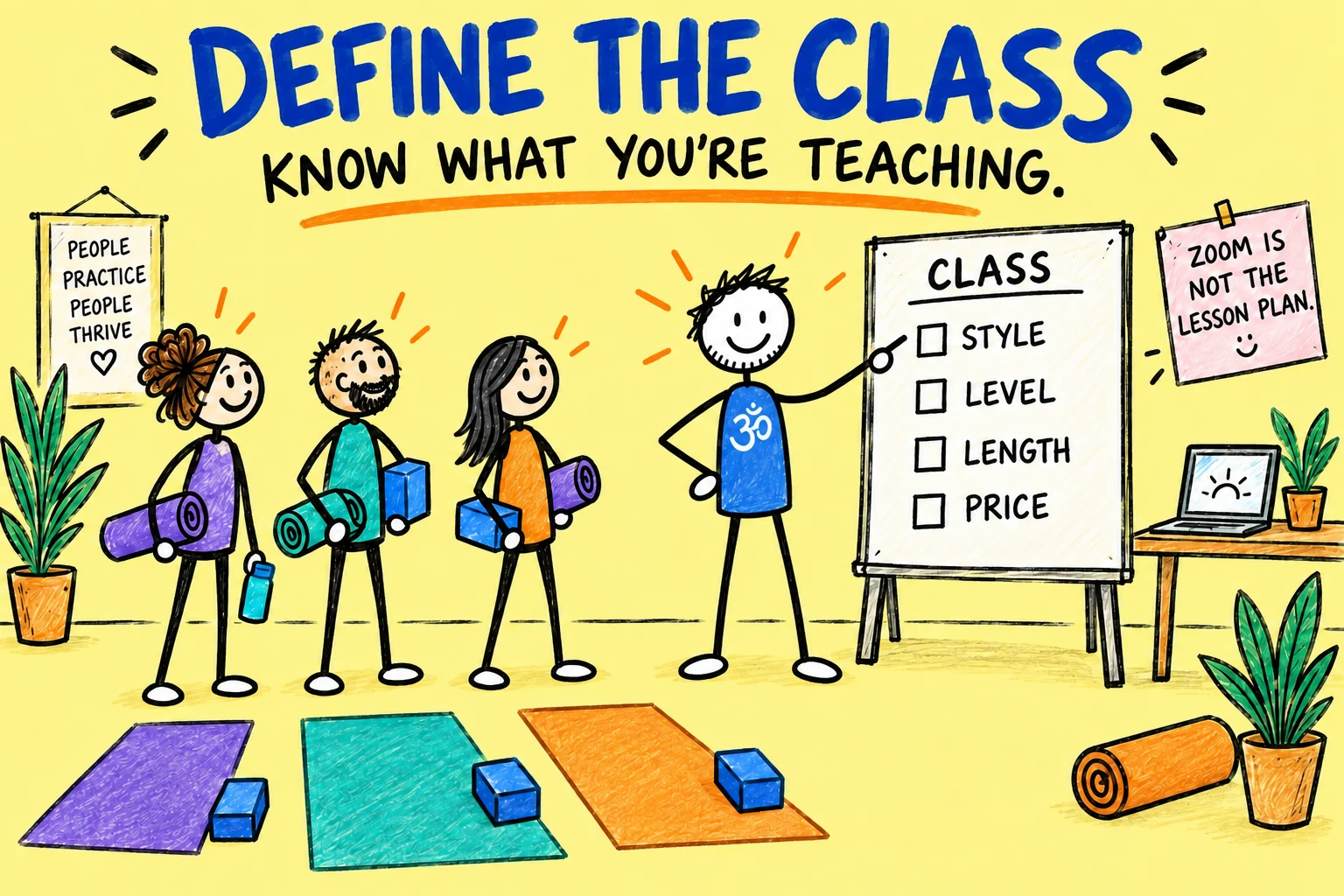
Decide exactly what you are offering. Write down the class style, level, length, maximum group size, price, booking deadline and whether students can join by recording later.
A familiar class is a sensible starting point. If your students already know your voice and teaching style, both sides have fewer new things to learn at once.
- Who is the class for?
- What experience or equipment do students need?
- How will you handle health information and questions?
- What happens if the teacher or student loses connection?
- Will the session be recorded, and on what terms?
Plan a Class That Works Through a Screen
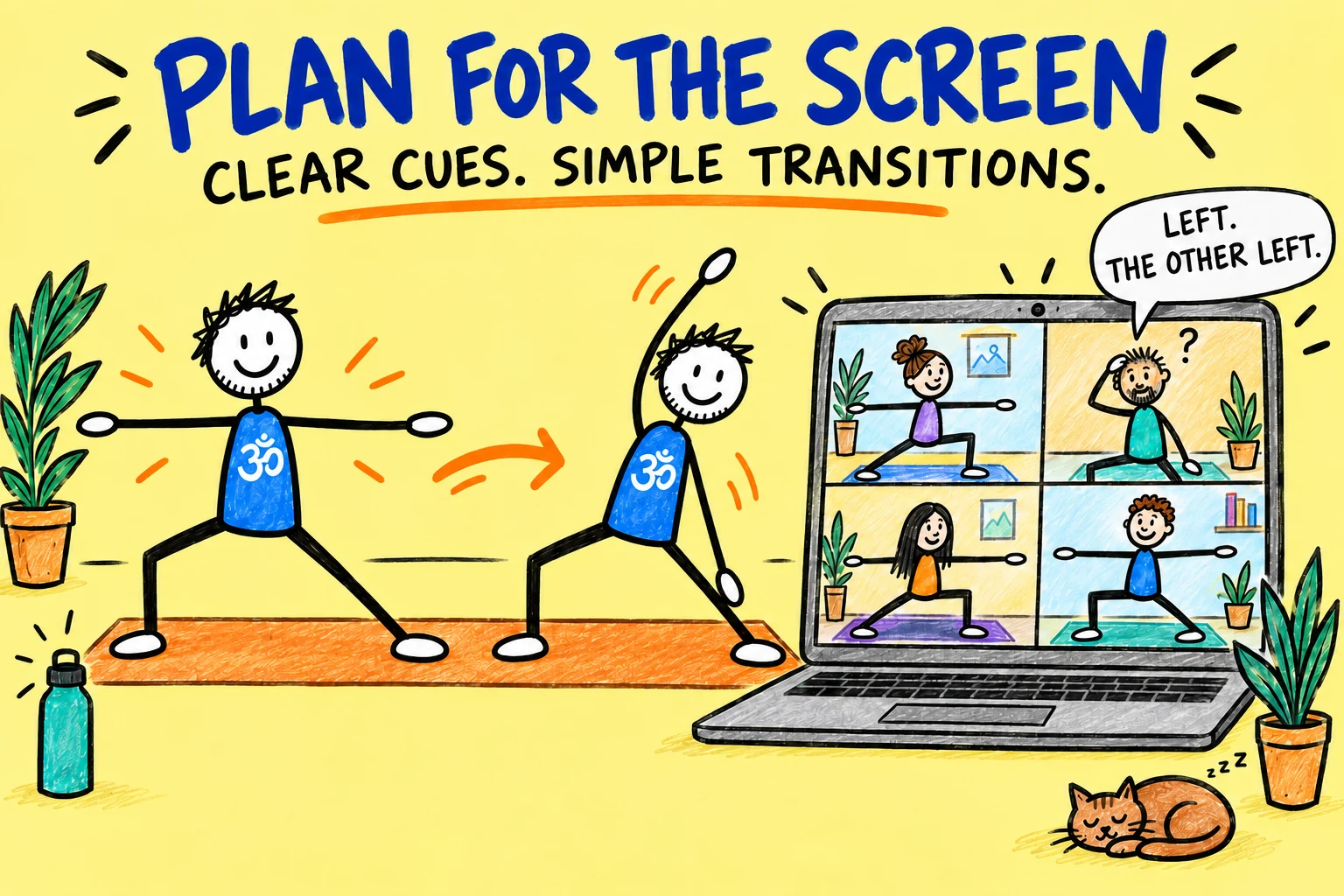
Online teaching makes verbal clarity unusually important. You may not see every student closely, and a student may not be looking at the screen while moving.
Create a lesson plan you know well. Use simple transitions, specific landmarks and clear choices. Decide where you will demonstrate, where you will watch, and which parts of the class require students to look at the screen before moving.
- Offer a stable starting option
- Name the direction of movement clearly
- Allow time to change camera position
- Avoid rapid, visually dependent transitions
- Explain when students should stop or rest
- Keep essential props within reach
The Online Yoga Lesson Planner can help you prepare a sequence and keep the important teaching points in one place.
Frame a Safe, Useful Teaching Space
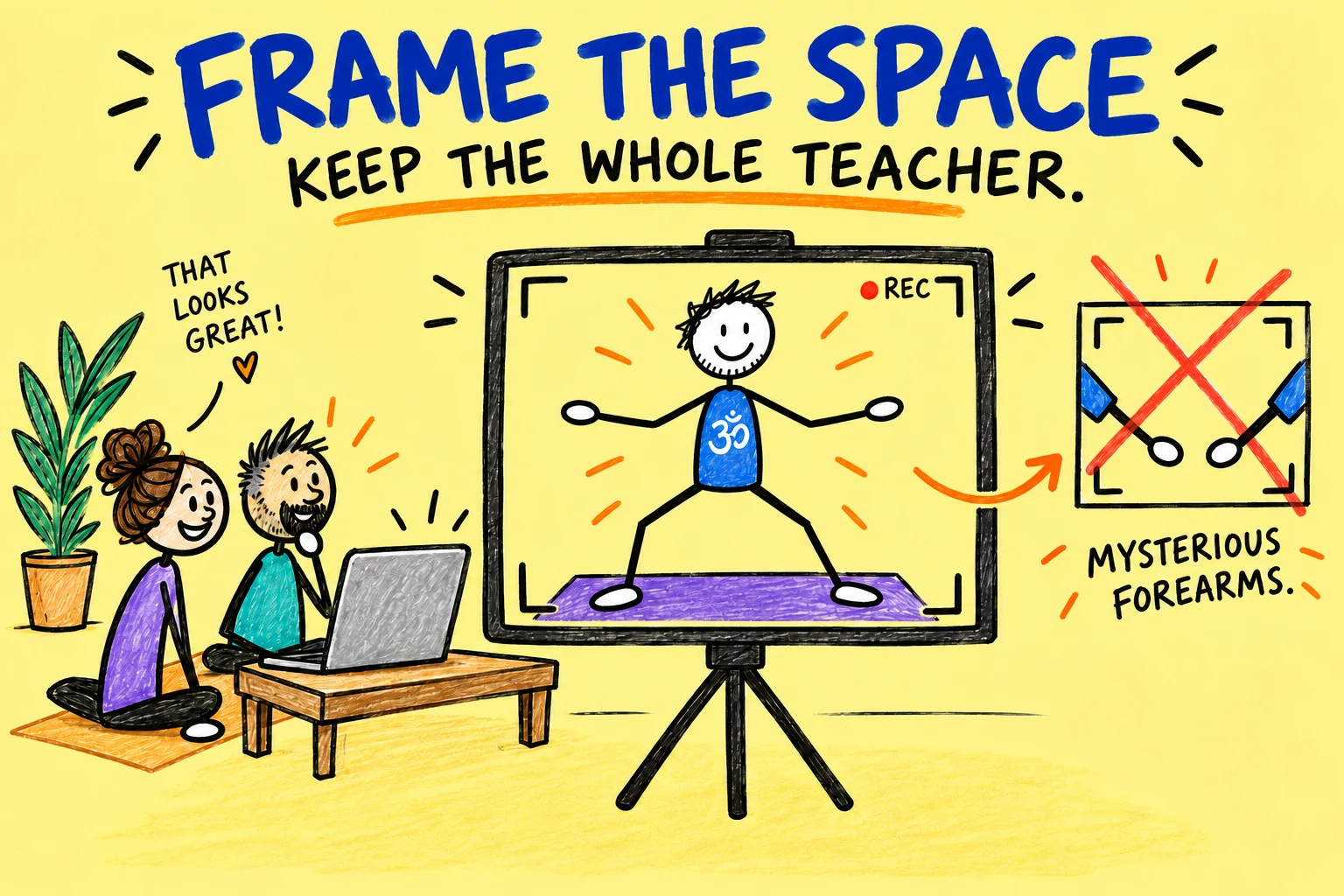
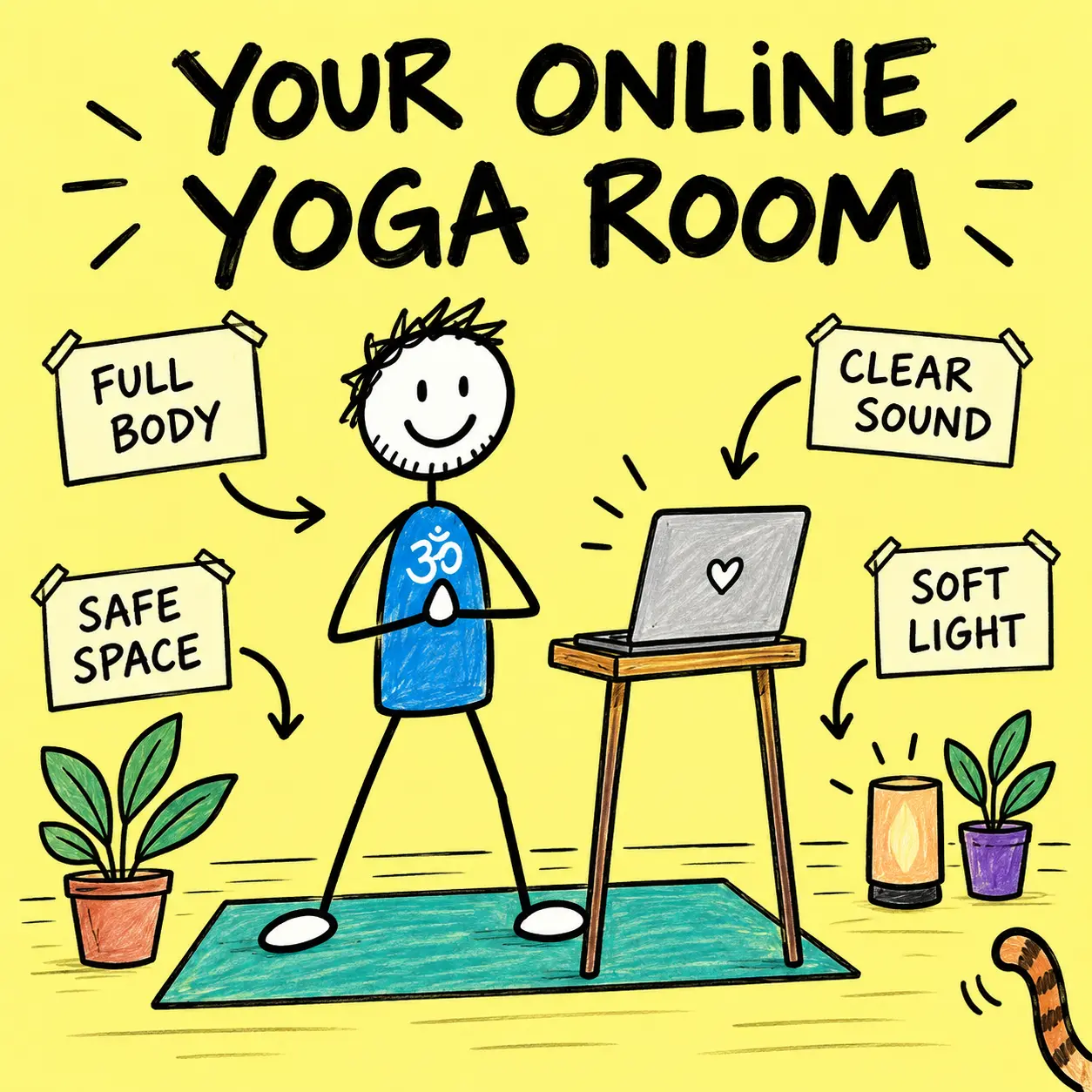
Place the camera where students can see your full body in standing, seated and floor work. Test the edges of the frame rather than discovering during class that your Warrior II has become a pair of mysterious forearms.
- Use a stable laptop, tablet or phone stand.
- Keep the camera close to eye level for introductions and far enough away for demonstrations.
- Clear your movement area and the route to the device.
- Remove private information and distracting background clutter.
- Keep the screen large enough for you to monitor the group when appropriate.
Test the Sound, Light and Connection
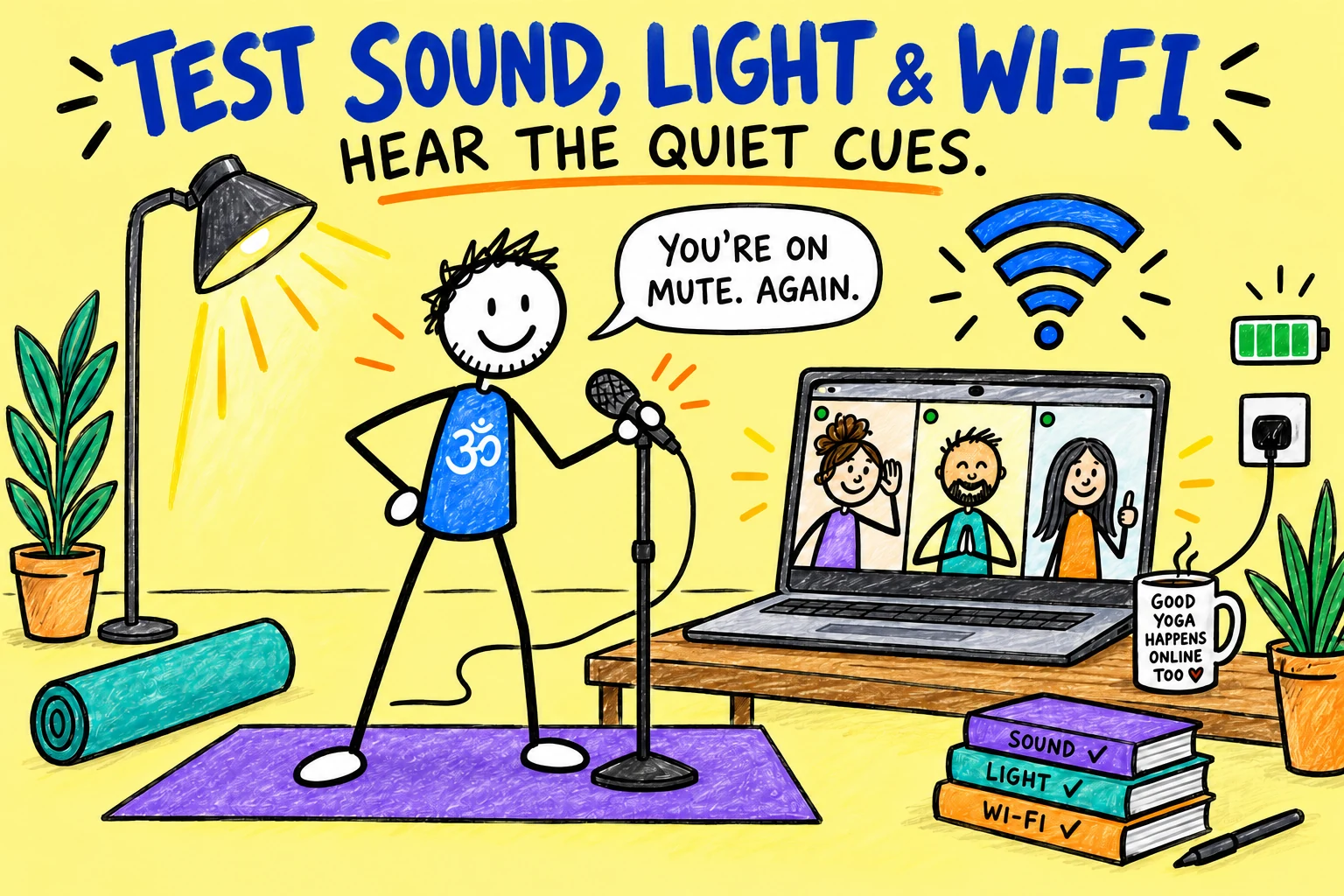
Students will forgive modest video before they forgive unusable sound. Start with the device you already own, then improve the weakest part of the setup only after testing it.
- Put light in front of you, not only behind you
- Test the microphone at teaching distance
- Check sound while standing and on the floor
- Reduce echoes and household noise
- Use a reliable connection where possible
- Plug in or fully charge every device
Zoom provides an audio test for speakers and microphones. Its current audio settings also include noise removal and an “Original sound for musicians” mode. Do not assume a specialist mode is better: test normal speech, quiet cues and any music at the actual teaching distance.
See Zoom’s official guides to testing audio and changing meeting audio settings.
Secure the Meeting and Decide About Recording
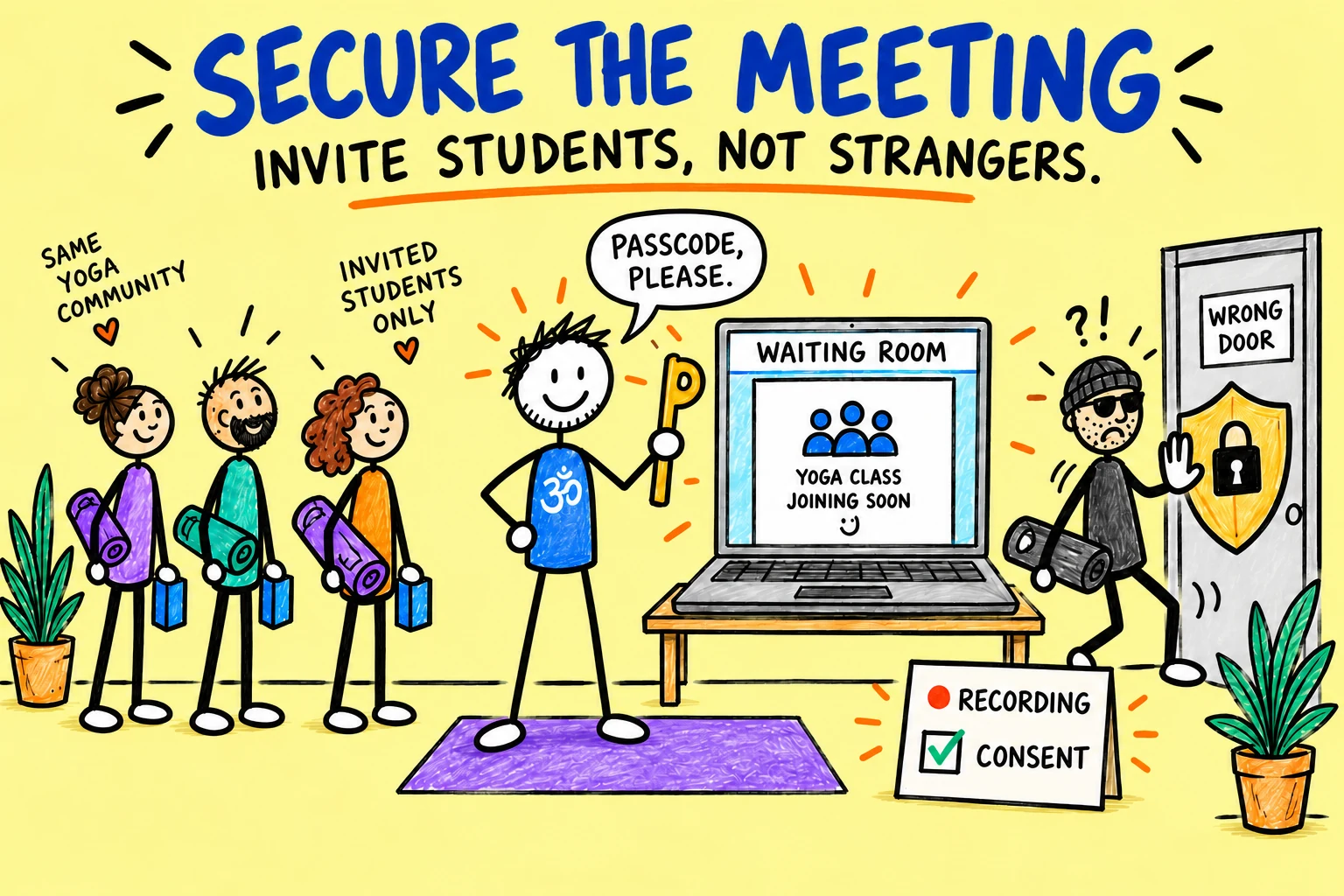
Use a passcode, Waiting Room or other suitable access control, and send joining details only to booked students. Avoid posting an unrestricted meeting link publicly.
Decide who can share screens, use chat, unmute or rename themselves. These are not merely technical switches; they shape the atmosphere of the class.
If you record, tell students before booking what will be captured, why, who can access it, how long it will be kept and what alternatives exist. Check the privacy and data-protection requirements that apply to your business. Zoom displays recording-consent prompts, but a platform prompt does not replace your own clear information and lawful process.
Use Zoom’s current guidance for Waiting Rooms, meeting passcodes and recording consent.
Send Clear Student Instructions
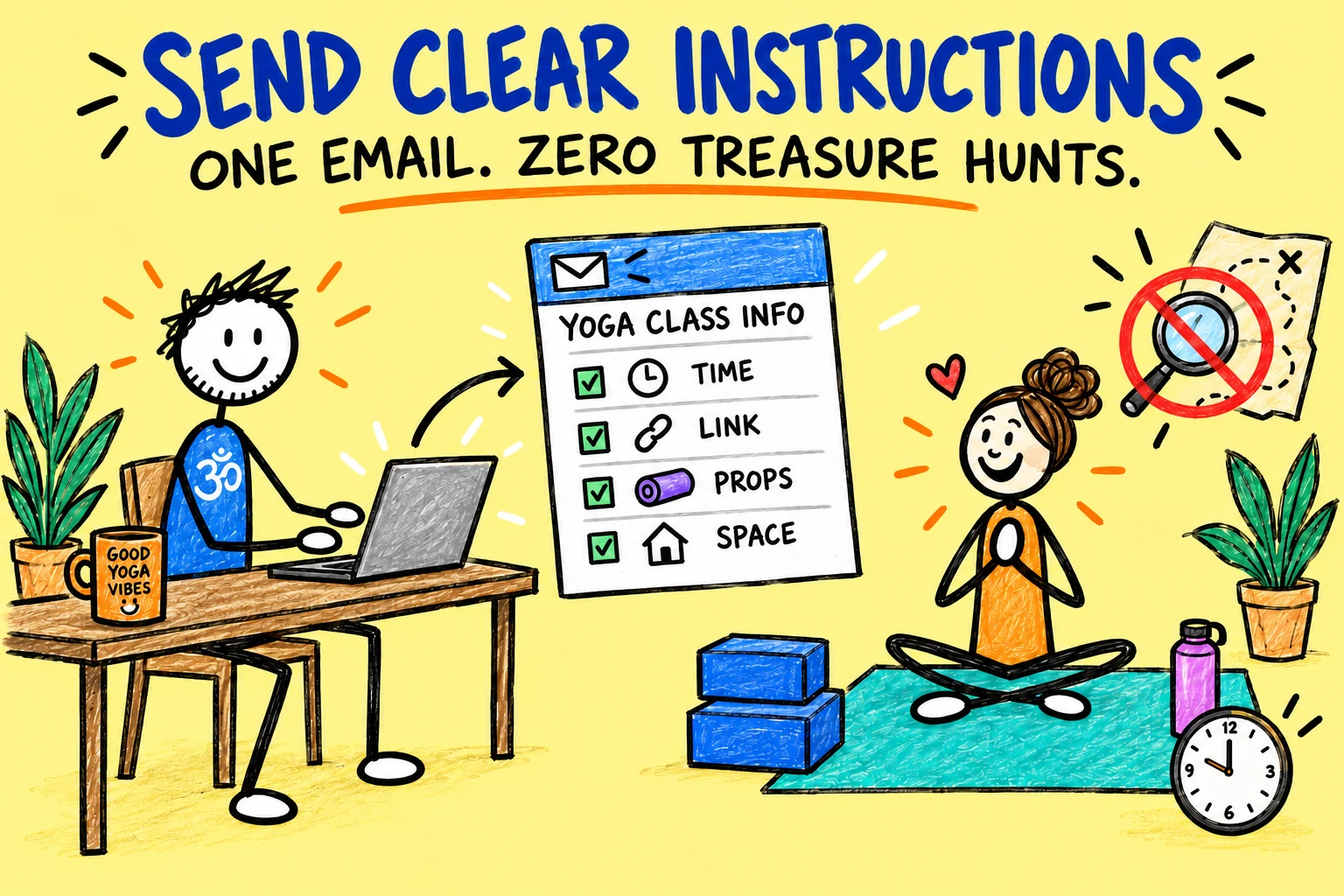
Send one short email that tells students what to prepare and how to join. Include the class time and time zone, link, passcode if separate, props, space needed, suitable clothing, arrival time and a contact route for genuine joining problems.
Student Joining Email
Subject: Joining details for [class name] on [date]
Hi [Name],
Your live online yoga class begins at [time and time zone]. Please join [5–10] minutes early using this private link: [link].
Please prepare [mat and props], place your device where you can see and hear comfortably, and clear enough space to move safely. You are welcome to keep your camera [your policy].
If you have any relevant health information or need a particular option, please contact me before the class. During practice, work within your own comfortable range and pause whenever you need to.
[If recording: clear recording information and access terms.]
See you online,
[Name]
Rehearse with Real People and Real Devices
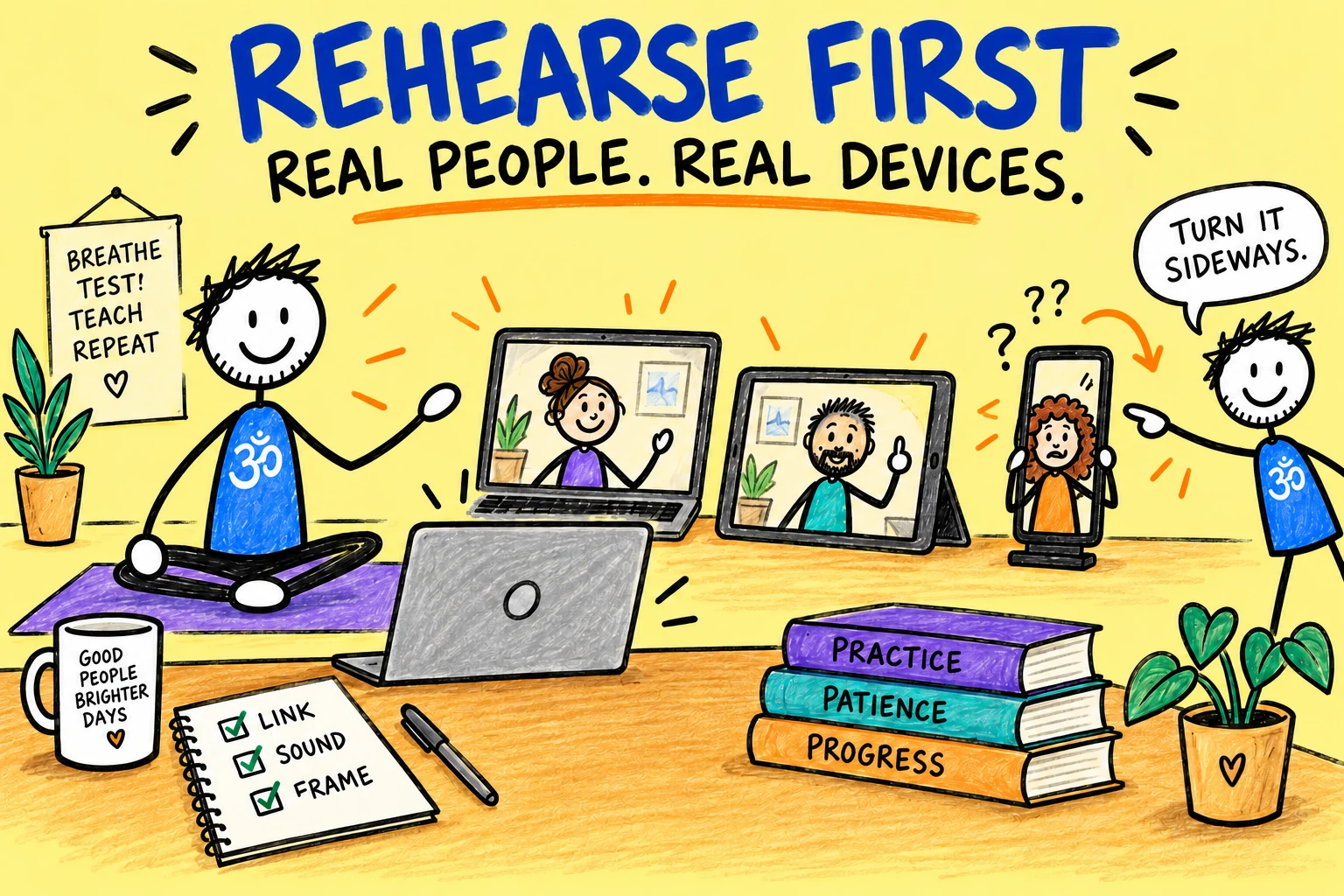
Run the complete class journey before taking bookings. Ask one or two trusted people to join from different devices and internet connections.
Test the booking email, joining link, Waiting Room, introductions, demonstrations, movement between standing and floor positions, music if used, student questions and the ending. Ask your helpers what they could not see or hear.
Practise recovering from a dropped connection. Keep a short message ready for students and know how you will restart or reschedule if the problem is yours.
Teach the Class and Review the Evidence
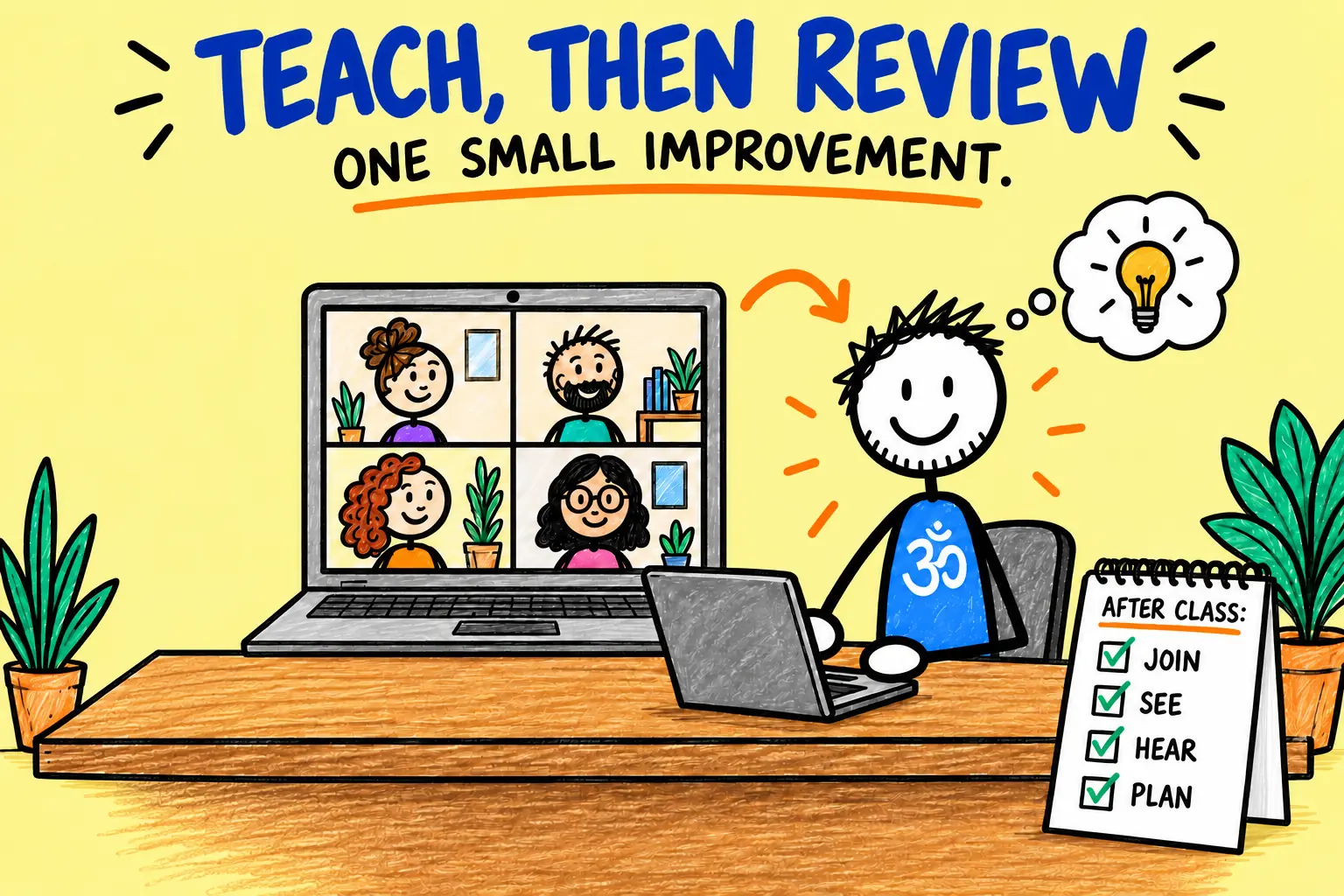
Open the room early, welcome students and explain the basic controls. Tell them how you will offer options, whether you can monitor them throughout, and how to ask a question.
After the class, note what happened while it is fresh:
- Could students join without individual rescue missions?
- Was your whole body visible in every important position?
- Were quiet cues clear?
- Did the lesson plan fit the online format?
- Which question or technical problem repeated?
- What single change would improve the next class most?
A workable online class usually grows through several small corrections. Aim for a safe, understandable class with fewer avoidable distractions.
Your Pre-Class Checklist
Plan
Class, options, props and backup.
Test
Frame, sound, light and joining link.
Send
Clear private instructions to booked students.
The mute button is a small rectangle with astonishing authority.
Frequently Asked Questions
Do I need expensive equipment?
No. Begin with a suitable device, stable stand, usable light, clear sound and reliable connection. Rehearse first, then spend money only where a real limitation appears.
Should students keep their cameras on?
Set a clear policy that respects privacy and explains what you can and cannot observe. A camera can support interaction, but it does not give the teacher a complete view or remove the student’s responsibility to work within a comfortable range.
Can I play music during a Zoom yoga class?
Technically, yes, but speech clarity, audio settings and music licensing all matter. Test the balance with a remote listener and make sure you have the rights required for the way you use the music.
Should I record every class?
No. Record only for a defined purpose with clear advance information, suitable consent or other lawful basis, access controls and a retention plan. A live-only class may be simpler and more comfortable for students.
What if my internet fails?
Tell students the backup plan before class. Keep their contact details available outside Zoom, and state whether you will restart, provide an alternative session, credit or refund.
Give Your Online Class a Marketing Plan
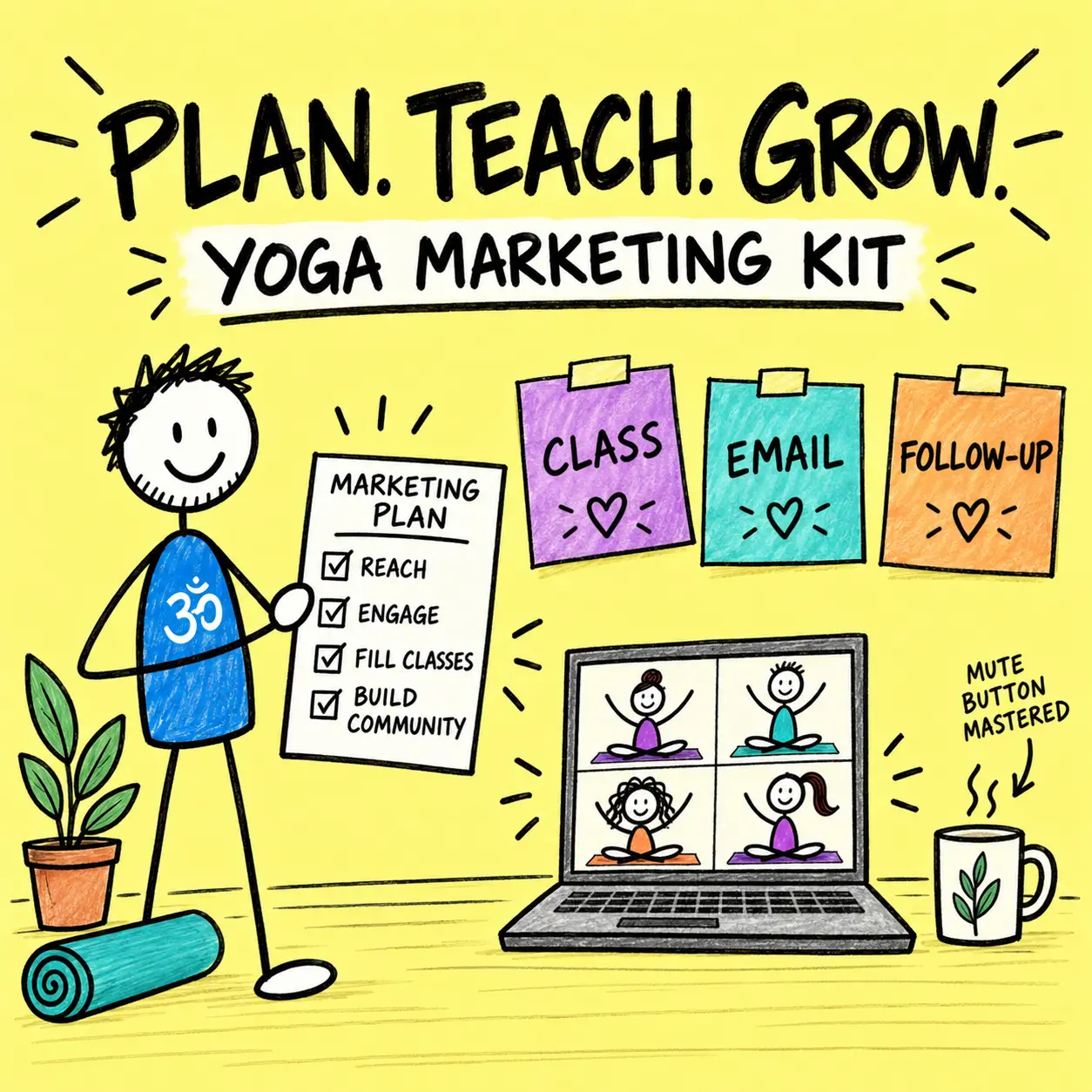
A polished Zoom setup still needs a clear offer, useful message and sensible follow-up. Explore the Yoga Marketing Kit for help organising the practical marketing around your online classes.
George’s Conclusion
Your first Zoom yoga class does not need to look like a production studio. It needs a clear lesson, a visible teacher, understandable sound, protected joining details and students who know what to expect.
Start with one familiar class and a proper rehearsal. Fix the biggest problem, teach again and let the online room become simpler each time.